


OpenAI has launched a new version of its chatbot called ChatGPT for Teens. It adds study tools and parental controls made just for teenagers doing schoolwork.
The goal is simple. OpenAI wants teens to actually learn, not just copy answers. This site exists to explain tech news like this in plain words, because you should not need a dictionary to understand what a company just released.
What's New for Students
The biggest feature is called Study Mode. When a teen asks for help with a math or science problem, the chatbot does not just hand over the final answer. It gives hints, checks what the student already understands, and points out where they went wrong in their work.
There is also a new homework reminder system. If a student pastes in something like "write my history essay," the chatbot notices the shortcut. Instead of writing the essay, it helps the student build their own outline and arguments.
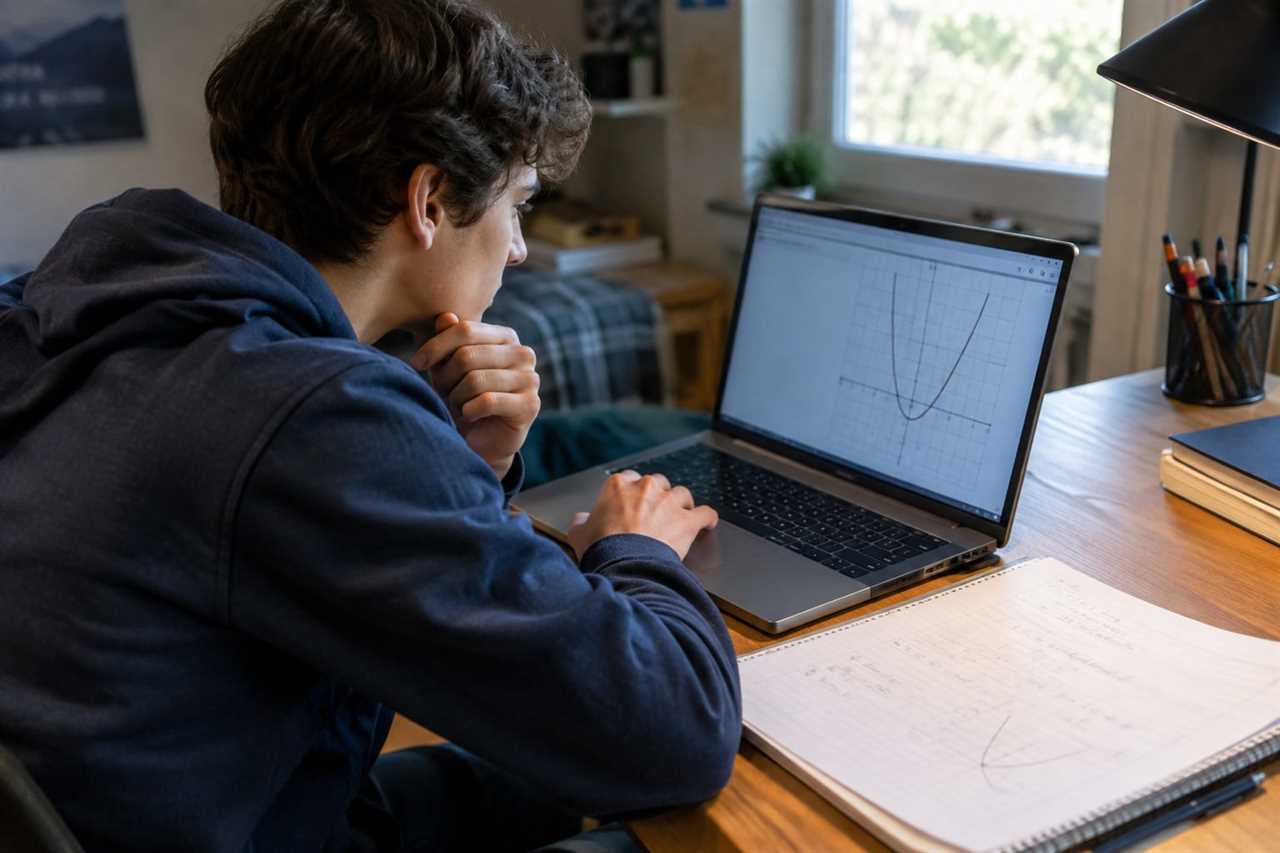
OpenAI also added Learning Visualizations. These cover more than 70 core math and science topics. They let students see graphs, formulas, and variables change in real time, instead of just memorizing facts.

What's New for Parents
Parents can now link their account to their teen's account. This does not mean reading every message. Instead, parents get control over a few key settings.
- Study Hours, which forces every chat into Study Mode during set times
- Quiet Hours, which turns off access during bedtime or family time
- Controls for voice mode and image generation
- Safety alerts, which are sent to parents only in rare, serious cases involving self-harm risk
What this means for you
If you are a parent, you now have a way to guide how your teen uses ChatGPT for schoolwork, without spying on every chat. If you are a student, the tool is built to push you toward solving problems yourself, not just getting fast answers.
Here is what you can do with it
- Use Study Mode to work through tough homework step by step
- Ask the chatbot to build a short revision timetable, like a 30-minute study block
- Use it to find your weak topics so you know what to review again in your textbook
- Try a custom mock test to check what you have learned
Next Step
If your teen already uses ChatGPT, check whether the new Teens version and linked parental controls are available on your account, and set up Study Hours before the next exam season starts.
Our last article on this: Consumer Reports Tests 8 Stain Removers. Here's What Actually Works