


Apple's new iPhone Duo is a foldable phone with tricks you won't find on any other iPhone, and a tech writer who spent 10 days with it shared the best hidden features he found.
If you're new to all the phone jargon out there, you're in the right place. This site breaks down tech news in plain words, so you never need a dictionary to keep up. Here is what makes the Duo worth a second look.
What this means for you
The iPhone Duo folds in half and opens like a book. Because of that shape, it needs new ways to do normal phone things like opening settings or using two apps at once. If you own one, or are thinking about buying one, these tips can help you use it better right away.

A faster way to open Control Center. On most iPhones, you swipe down from the top corner to open Control Center, the panel with your WiFi, brightness, and other quick settings. On the Duo, there's a small icon in the top right that shows WiFi, cell signal, and battery life together. Tap it, and Control Center opens every time, no swiping needed.
Shortcuts tied to opening and closing the phone. You can set up an automation, called a Shortcut, that runs when you fold or unfold the Duo. People have used this to open a favorite app or play a sound effect, though the writer says he hasn't found a must-have use for it yet.
Volume buttons that match how you hold the phone. Since the Duo can be held many ways, it's easy to forget which button raises the volume. In Settings, under Sounds & Haptics, you'll find "Fixed Position Volume Controls." Turning this off makes the top or right button always raise the volume, no matter how you're holding the phone.
Two apps open at once, even standing up. Normally, side-by-side apps only work when the Duo is turned sideways. But if you shrink a video into a small floating window first, you can still drag it to the top of the screen while holding the phone upright, giving you a video on top and another app below it.
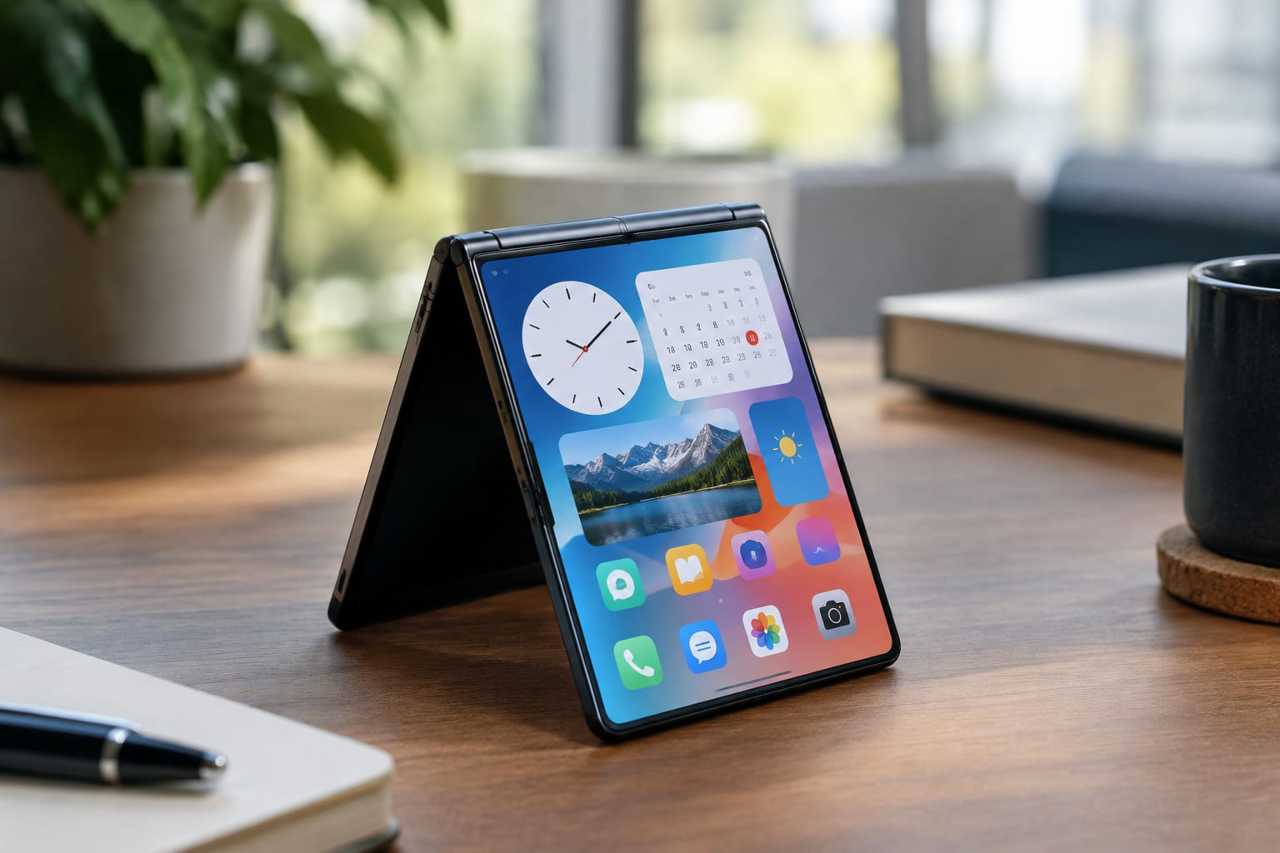
A second Standby mode. Apple showed off Standby mode with the phone folded like a tent. But if you stand the phone up straight using a case with a kickstand, you get a bigger Standby screen packed with widgets like Clock, Calendar, Photos, and Stocks.
Next step
If you already own an iPhone Duo, open Settings now and turn off Fixed Position Volume Controls to try the new button layout for yourself.
Still catching up? Start with 38 Cleaning Products From Amazon Our Readers Are Loving In 2026