
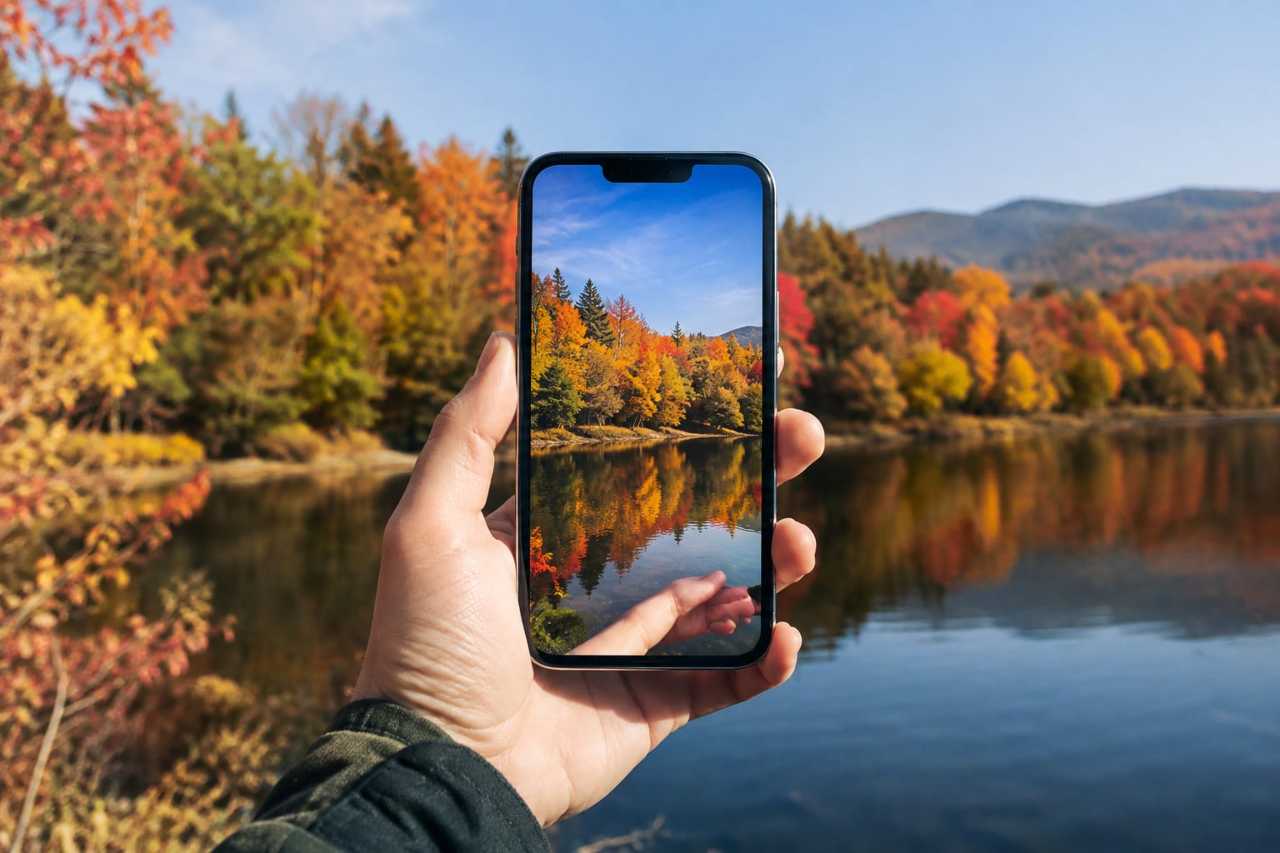
A tech writer at Tom's Guide tested a trend going around social media. People noticed that iPhone photos of fall leaves look dull and gray, but putting a hand in the shot suddenly makes the colors look warm and bright.
The writer tried it on an iPhone 18 Pro Max and an iPhone 17 Pro Max. Without a hand in frame, photos of autumn leaves came out washed out and gray. Once a hand, helped by a white sleeve, was placed in the shot, the reds, yellows, and even greens looked much more vivid. The difference was biggest with a blackberry bush, where two photos taken seconds apart looked completely different.
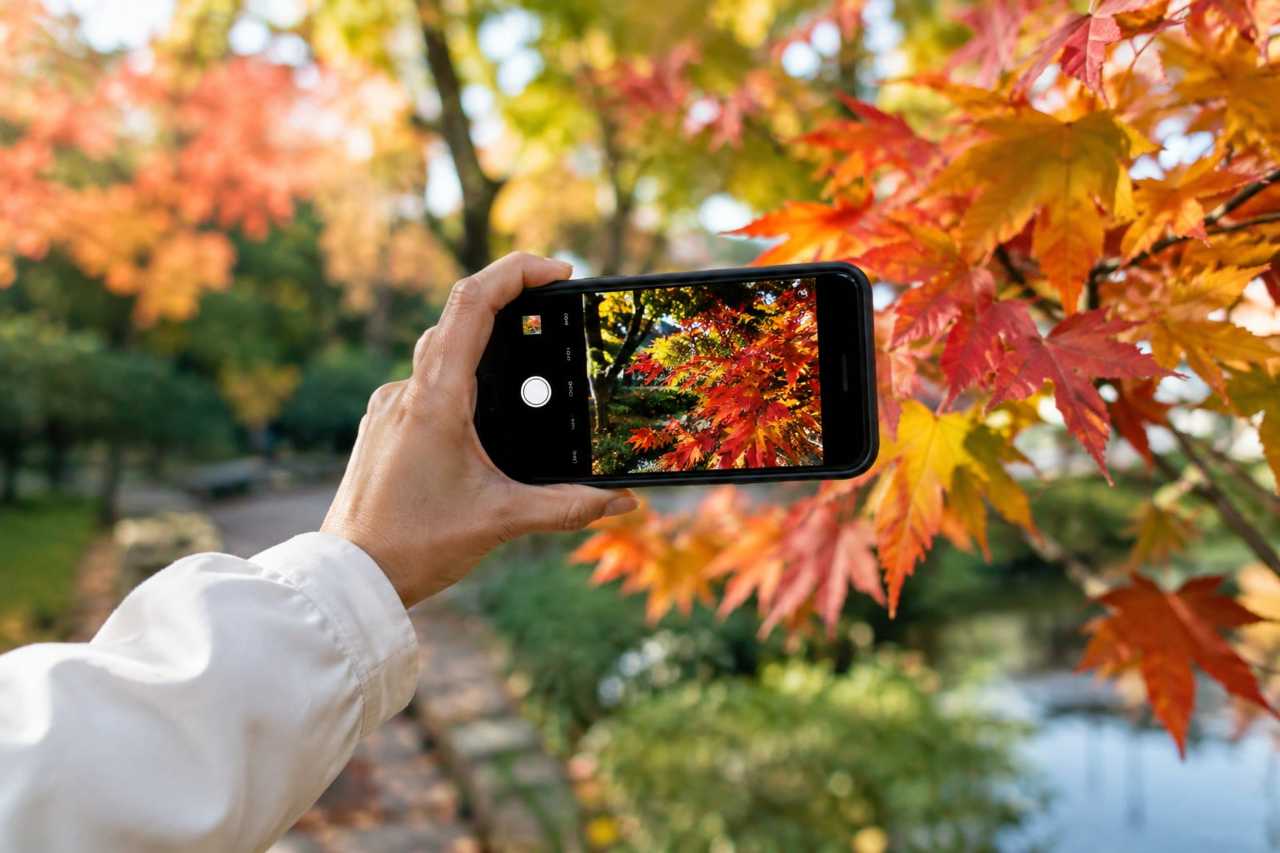
The reason comes down to something called white balance. This is the setting a camera uses to adjust colors based on the light around it. Most iPhones handle this automatically, and you cannot change it yourself.

According to PetaPixel, the iPhone camera may be mistaking the warm light of fall for an unwanted color tint. To fix what it thinks is a problem, the camera cools down the image, which makes colors look duller than they really are. When something white or light colored, like a hand, enters the frame, the camera resets its color balance. That makes the whole photo, including the leaves in the background, look warmer and more colorful.
This site exists to explain tech news like this in plain terms, because you should never need a dictionary to understand a headline. Camera settings can sound complicated, but the idea here is simple: your phone is guessing at colors, and you can nudge that guess.
One catch: this trick likely only works well for people with lighter skin tones, since the effect depends on something pale entering the frame. The writer has not tested it with darker skin tones, but says white objects could work as a stand-in.
What this means for you
If your fall photos look flat, you do not have to just accept it. Here is what you can try.
- Stick your hand, or a sleeve, into the edge of the photo before you take it.
- If that does not help, try holding something white, like a piece of paper, in frame instead.
- If you own an iPhone 18 Pro or Pro Max, skip the trick. Tap the camera menu button in the bottom right, choose white balance, and pick from five preset options instead.
Older iPhones do not give you manual control over white balance, so tricks like this are your best option for now.
Next time you are outside with your phone, snap one photo normally and one with your hand in frame. Compare them and see the difference for yourself.
New here? Start at our homepage: DriveGadgets.com