

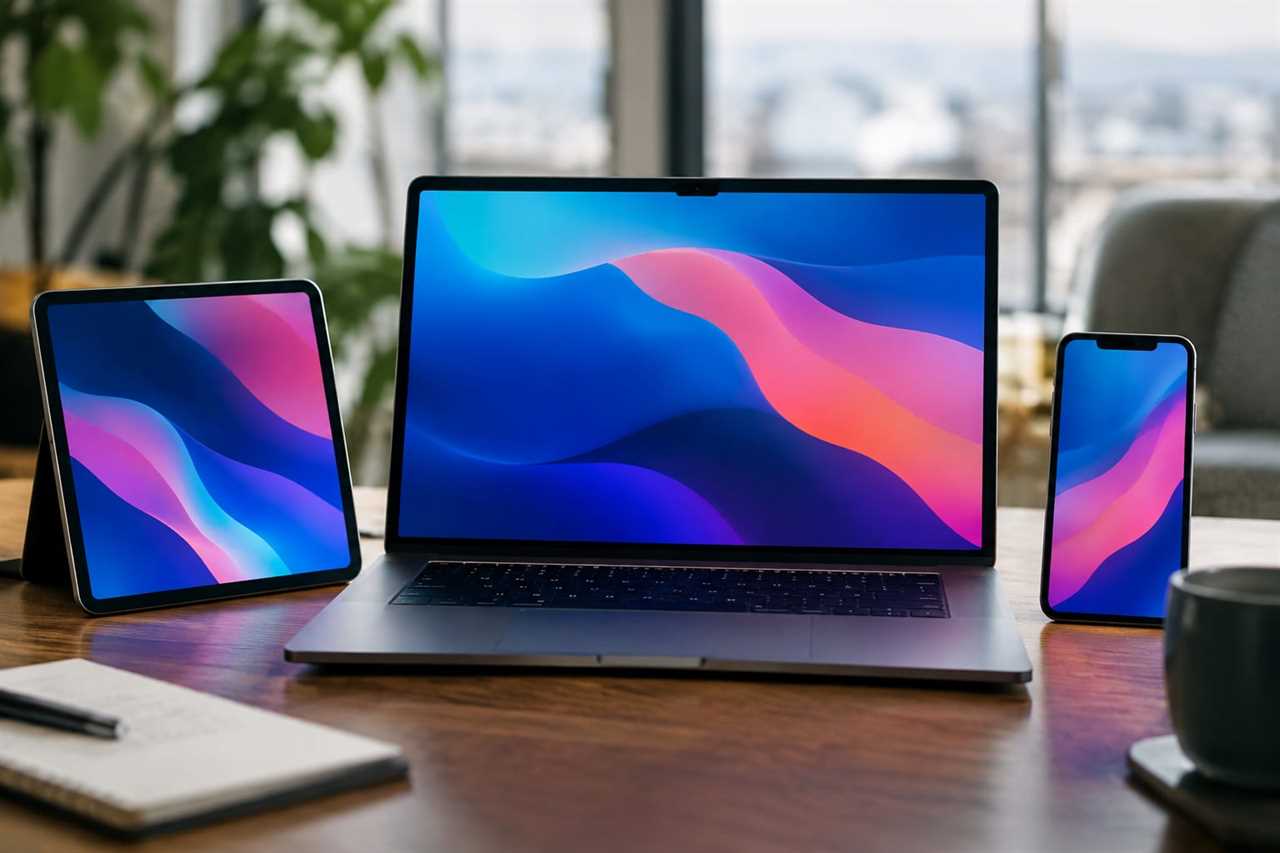
Apple's WWDC reveal for iOS 27, iPadOS 27 and macOS 27 focused mostly on design, child safety and Apple Intelligence (Apple's AI system). That left a lot of small, genuinely useful features unmentioned. These tweaks won't headline any keynote, but they'll make your iPhone, iPad or Mac easier to use today.
Quick Take
- Customize your AirPods sound and stop your alarms from matching ringtone volume.
- Weather app now lets you flip between temperature, rain and wind views.
- Find My lets you share your location for just an hour, a day, or always.
- Notes gets divider lines and smarter links to specific sections.
- Home Screen mistakes can now be undone with a shake or Cmd+Z.
Sound and Settings Fixes
AirPods owners can now fine-tune their own equalizer (sound balance) instead of using one preset for everyone. Go to Settings, tap AirPods, then Audio & Routing, and pick Equaliser.
You can also stop alarms from blasting at ringtone volume. In Sounds & Haptics, turn off "Match Ringtone Volume," then set alarms and alerts separately.
Weather and Location Upgrades
The Weather app's Conditions panel now has three buttons. Tap them to switch between temperature, precipitation, and wind forecasts.
Find My also got a privacy boost. Tap the checkmark when sharing your location, and you'll see new choices: one hour, all day, always, or a custom time.
"Yes, having a menu spring from an OK button is bad design," the article jokes about Find My's confusing checkmark menu.
Smarter Screens and Widgets
On the iPhone Duo, apps like Music and Weather now resize better for landscape and mirroring on Mac. On desktop, Mac users can add an "Extra Large" Music widget, and iPad gets a "Extra-Large Portrait" one — basically a full-screen Home Screen widget.
Messed up your Home Screen icons? Shake your iPhone or iPad, then tap Undo. Keyboard users can just hit Cmd+Z.
Multitasking and Typing Tweaks
iPad's menu bar now shows up only when you tap an app's name. If you want it locked in place like a Mac, turn off "Automatically Show And Hide Menu Bar" in Multitasking & Gestures settings.
Pasting text is also faster: the clipboard's content now shows up as the default autocomplete suggestion above your keyboard.
Notes and Safari Get Smarter Too
Mac's Safari finally supports swipe-to-refresh — just drag two fingers down on the trackpad.
Notes now lets you link directly to a section within another note, and add divider lines to organize long notes. Older devices will just see three dashes where the divider goes.
Why It Matters
None of these features made Apple's big keynote, but together they smooth out daily annoyances across iPhone, iPad and Mac. If you update your software, it's worth digging through these small changes yourself — Apple clearly buried a few gems this year.